
Frequently Asked Questions
-
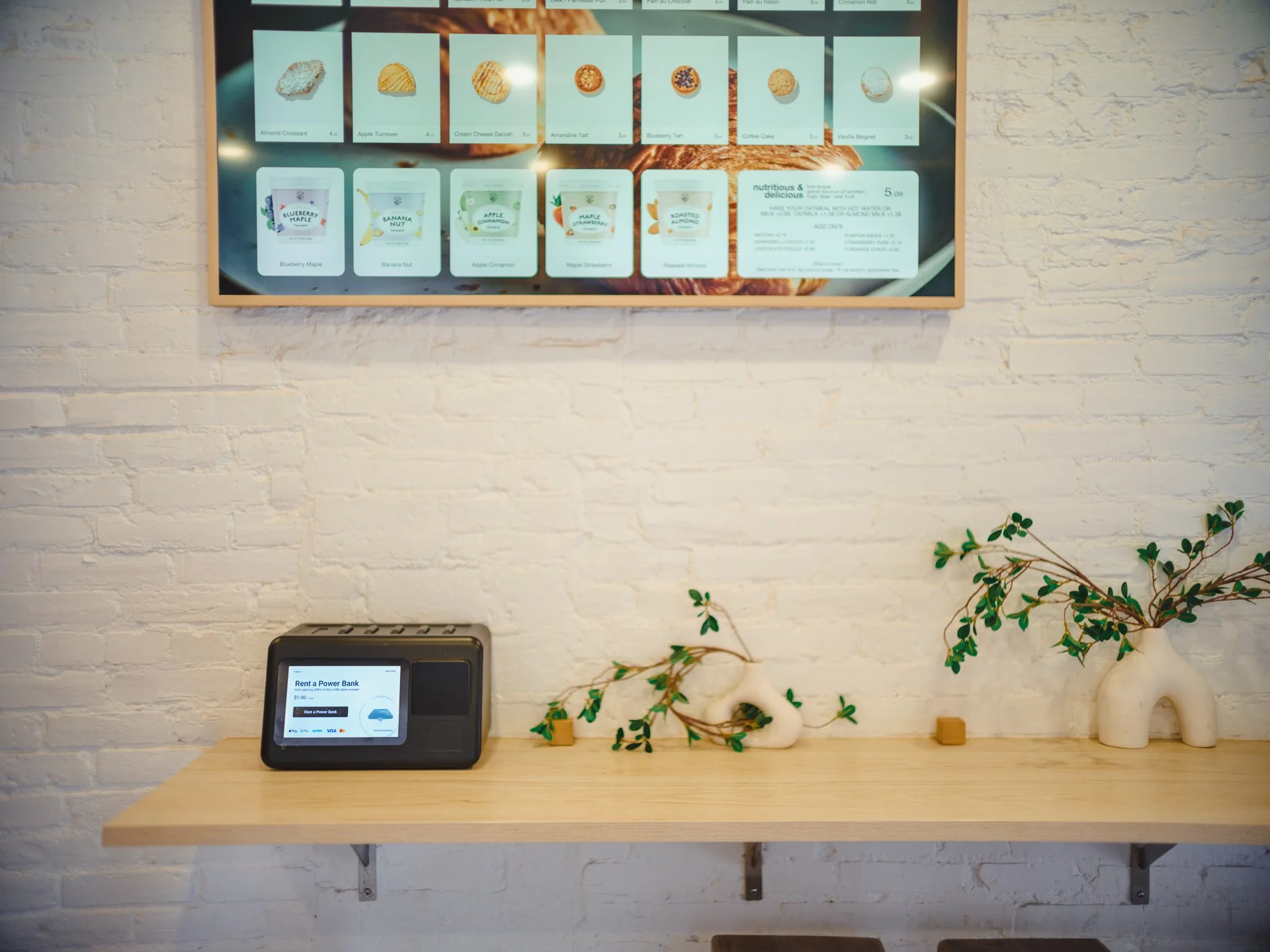
The best way to use Juce is through our app, but you can also rent a charger by scanning the QR code, using the POS terminal for card payments!
-
Our chargers include built-in Lightning, USB-C, and Micro-USB cables for most phones and devices.
-
You can use the Juce app to locate the nearest available station. If all stations within a 1-mile radius are full, contact support at hey@juceflow.com with an image of the station and a screenshot of the app showing no available return stations nearby.
-
All of our chargers will automatically power on once a secure connection is made with your mobile device.
Please make sure the cable is securely connected. If the charger still doesn't power on or charge your device, please return it to the nearest Juce station within the initial no-charge time period.
Please note, while our chargers can be connected to larger electronics such as laptops, it may not replenish its battery depending on the power consumption.
You can also reach out to hey@juceflow.com for further assistance. -
All of our chargers are fast charging. Its portable size is perfect for smaller personal electronics, such as phones, headphones, and tablets. It can be plugged into larger devices, such as laptops, to extend battery life, but it may not replenish its battery depending on the power consumption.
-
Always ensure the cables are tucked away, and the charger is fully inserted into the station. If the station still doesn’t register the return, reach out to hey@juceflow.com with a video of the return attempt.
-
We place a preauthorization hold on your card at the start of the charger rental. The hold simply verifies your payment method and will automatically disappear when you return the charger.
Note, depending on your bank, it may take up to 7 business days for the hold to disappear. -
You’ll incur daily charge limit until you reach the full deposit amount. From there, you can keep the charger and continue enjoying your new high-speed portable charger!